After booting up, StarFive recommends
that you turn off CPU auto frequency regulation and run the following command under
root:
$ su -
$ echo performance > /sys/devices/system/cpu/cpu0/cpufreq/scaling_governor
Enable HailoRT Monitor (optional)
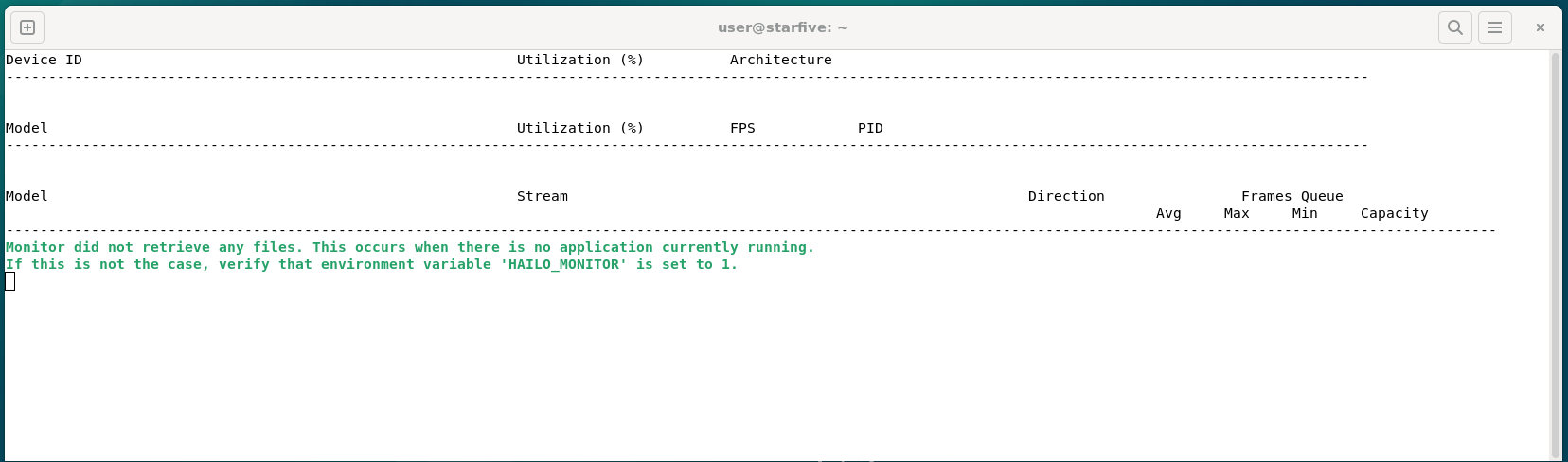
Run the following command to enable Hailo monitor, which can monitor the utilization rate of NPU devices, models used, and FPS output in real-time:
$ hailortcli monitor
Figure 1. Enable Hailo Monitor
Open another shell (this shell must be the one running the demo program), and
specify the environment
variables:
$ export HAILO_MONITOR=1
Figure 2. Specify environment variables
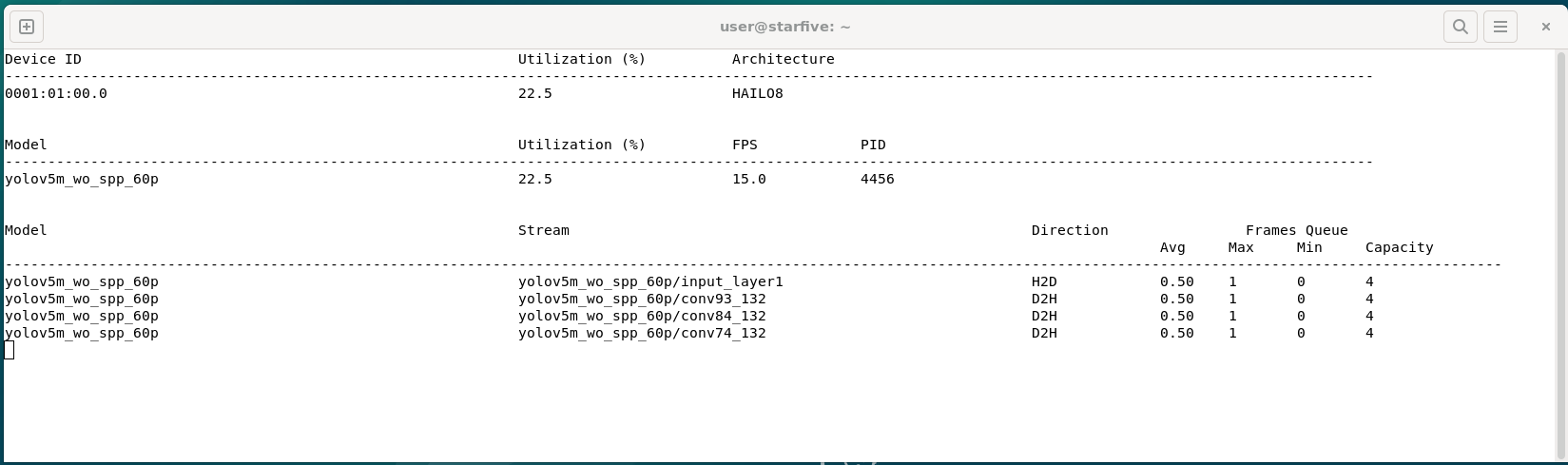
When executing the demonstration case, HailoRT detects that the HAILO.MONITOR variable of this shell process is 1, and will output real-time monitoring data of the NPU module:Figure 3. Monitor Data
Tappas Demo
The following demo cases can be directly used under Tappas.
Note: The demo under Tappas uses GStreamer videosink with
xvimagesink and ximagesink, while
VisionFive
2 or VisionFive
2's Debian uses
Wayland protocol, these demos need to modify their startup scripts by changing
the ximagesink in video_stink_ element
to waylandink:Figure 4. Change Startup Scripts
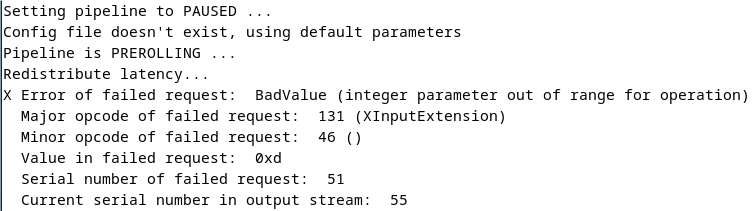
Otherwise, the following error will occur during runtime:Figure 5. Error
Instance_segmentation:
$ cd /home/user/tappas/apps/h8/gstreamer/vf2/instance_segmentation/
$ ./instance_segmentation.sh -i /dev/video4
Note: The command /dev/video4 specifies
the used USB camera.
Detection:
$ cd /home/user/tappas/apps/h8/gstreamer/vf2/instance_segmentation/
$ ./instance_segmentation.sh -i /dev/ video4-- video4
Note: Specify the use of YOLOv5 model through
-network.
Cascading_networks:
$ cd /home/user/tappas/apps/h8/gstreamer/vf2/cascading_networks/
Note: When the following error occurs, check if
the TAPPAS-WORKSPACE environment variable
is missing.Figure 6. Error
If this error occurs, you can set the environment
variable: export
TAPPAS-WORKSPACE=path_to-tappas/tappas/, where
path_to-tappas is the path where the
Tappas source code directory is located.
NpuDetectorLib Demo
Run the following command to download and compile NpuDetectorLib:
$ tar -xvf NpuDetectorLib.tar
$ cd NpuDetectorLib
$ cmake -H. -Bbuild -DSHOW_LABEL=ON -DBUILD_TESTER=ON
$ cmake --build build