Flash Image
Follow these steps to flash the OpenWrt image:
- Unzip the SD card
image:
gunzip openwrt-jh71x0-generic-visionfive2-v1.3b-ext4-sdcard.img.gz - Flash the image into the SD
card:
dd if=openwrt-jh71x0-generic-visionfive2-v1.3b-ext4-sdcard.img of=/dev/sdX bs=1M
oflag=direct
Note:- For Windows, you can use balenaEtcher to flash the image.
- Since the image does not include SPL and U-Boot, Nor Flash needs to have SPL and U-Boot flashed and should boot with QSPI Nor Flash.
- Use the
sudo fdisk –lcommand to find your device so that you can replace X value. For example, if your device is/dev/sdb, X should be b.
- (For VisionFive 2
Lite only)
Insert the flashed SD card into your Linux host computer. Modify the
boot.scr.uimg file on the card to launch OpenWrt from
mmc0. See the following for how to configure:
Figure 1. Configure to Launch OpenWrt from mmc0 

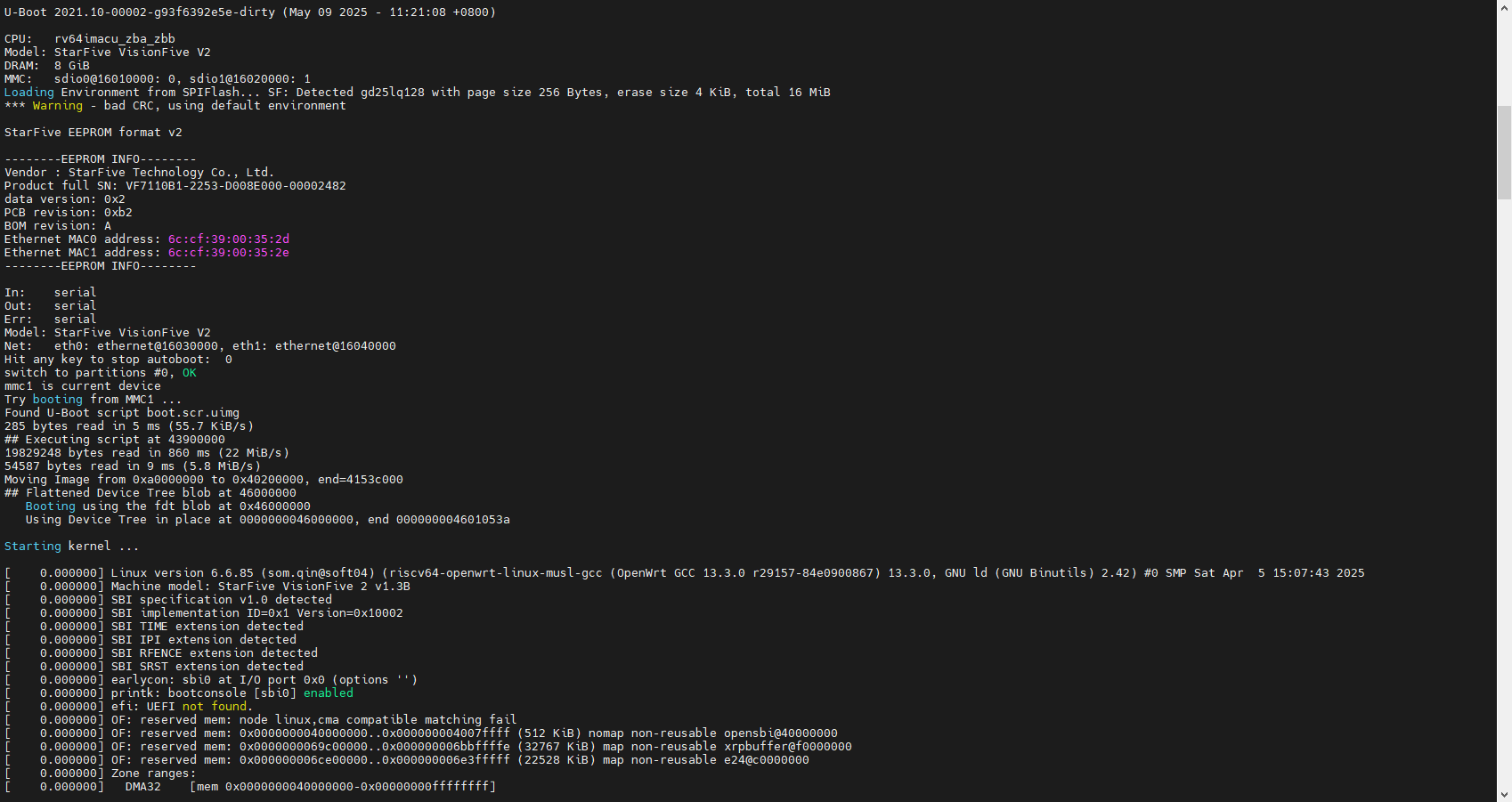
- Launch OpenWrt.
Figure 2. Launch OpenWrt